Which channels does Brix IPTV include?
Brix IPTV carries 45,000+ live channels — local and international news, sport, family and entertainment — with a programme guide and catch-up. Details on the Brix IPTV channels page.
Official site · brixiptv.top
45,000+ live channels and 400,000+ films and box sets, streamed to the TV, stick, phone or laptop you already own. Your login arrives instantly after you order.
Plans from $4.60/month
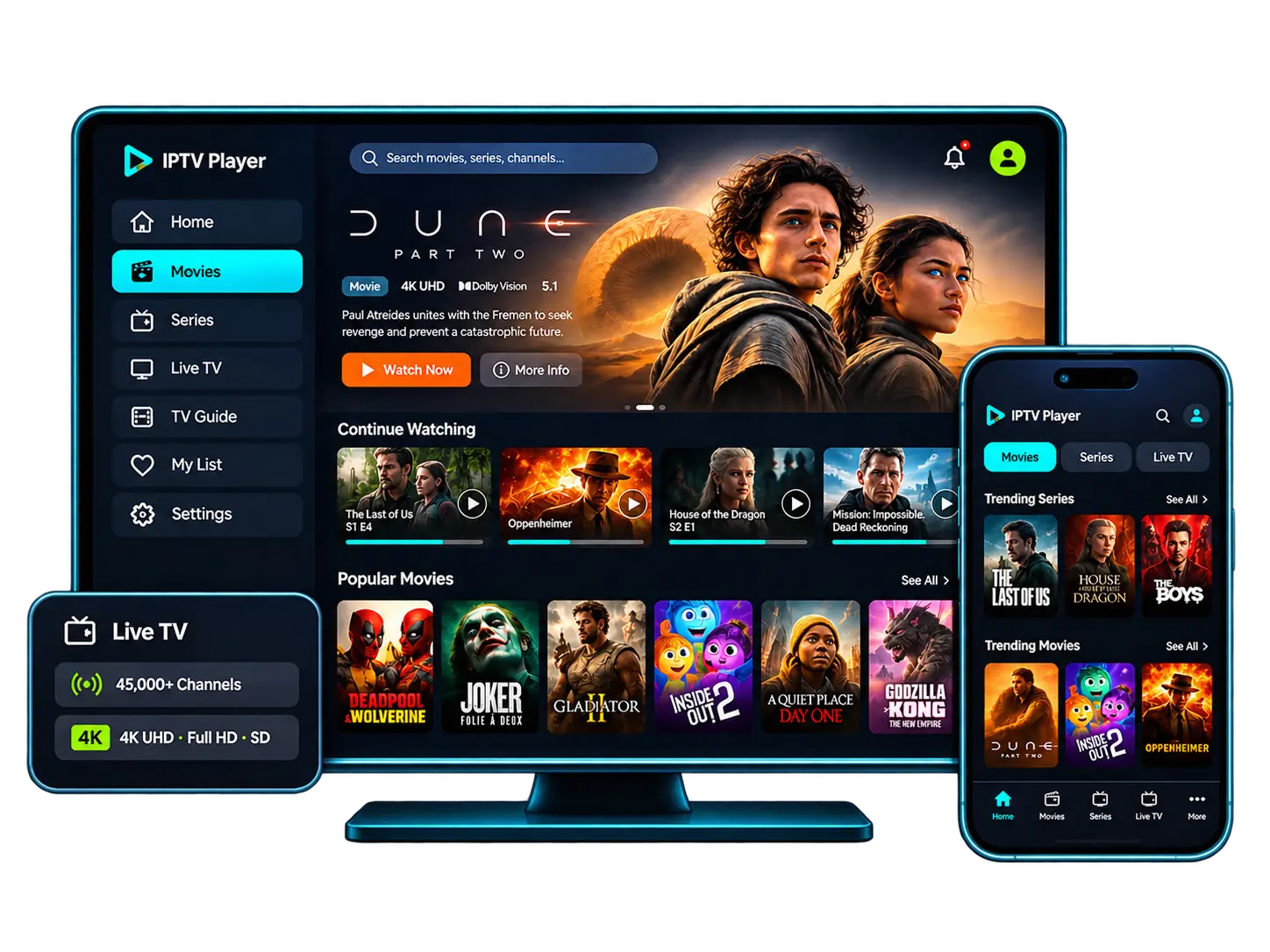
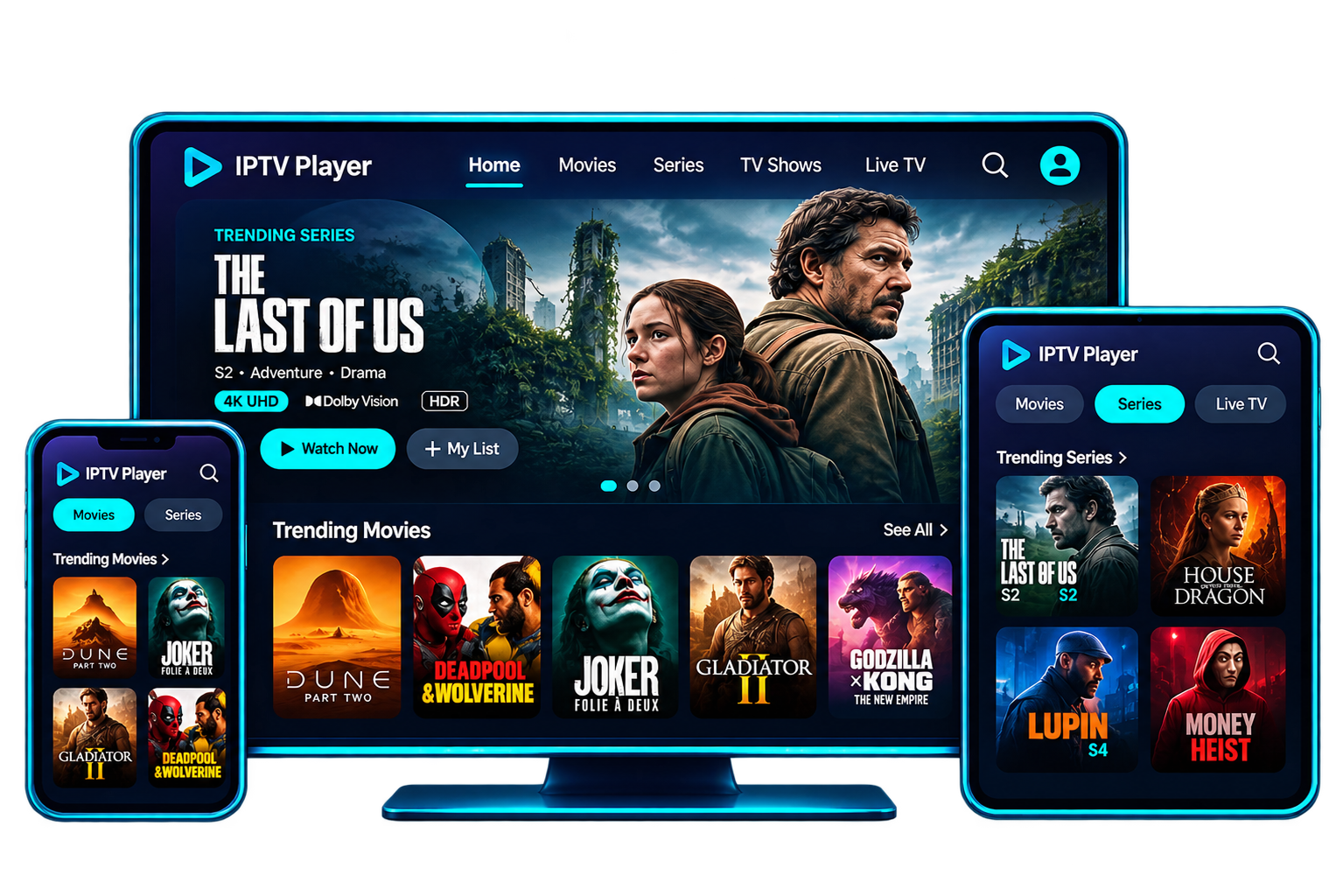
No matter what your device is, the Brix IPTV premium subscription supports it — Smart TVs, streaming sticks, boxes, phones and computers.







Pricing plans
Choose how long and how many screens — the channel list, 4K where available and 24/7 help are identical on every plan. Longer plans bring the price down to $4.60/month.
$29
$9.67 / month
$44
$7.33 / month
Save 24% per month
Most popular · best value
$65
$5.42 / month
Save 44% per month
$115
$4.60 / month
Save 52% per month
$55
$18.33 / month
$80
$13.33 / month
Save 27% per month
Most popular · best value
$115
$9.58 / month
Save 48% per month
$200
$8 / month
Save 56% per month
$80
$26.67 / month
$115
$19.17 / month
Save 28% per month
Most popular · best value
$170
$14.17 / month
Save 47% per month
$290
$11.60 / month
Save 57% per month
$115
$38.33 / month
$150
$25 / month
Save 35% per month
Most popular · best value
$210
$17.50 / month
Save 54% per month
$360
$14.40 / month
Save 62% per month
$180
60 credits
$330
120 credits
Top pick
$610
240 credits
$1,200
480 credits
New to reselling? Read how the Brix IPTV reseller program works.
About Brix IPTV
Think of Brix IPTV as cable TV without the cable. Live channels, a TV guide and a movies-and-series library are delivered over your home internet and opened in a player app such as TiviMate or IPTV Smarters — no dish, no engineer visit, no rented box.
You pay for a fixed period (3 to 25 months) and for the number of screens you want to use at the same time. The login works on Smart TVs, Fire TV sticks, Android boxes, iPhones, PCs and MAG boxes, so moving a device to another room takes minutes. See who runs Brix IPTV and our review policy.
Where we stream
Brix IPTV is built for viewers in North America and the UK: local channel categories, a TV guide in your time zone and IPTV servers sized for peak evening traffic in each region.
For American households cutting the cable cord.
For UK viewers who want everything in one place.
For Canadian homes in every province.
Movies & series on demand
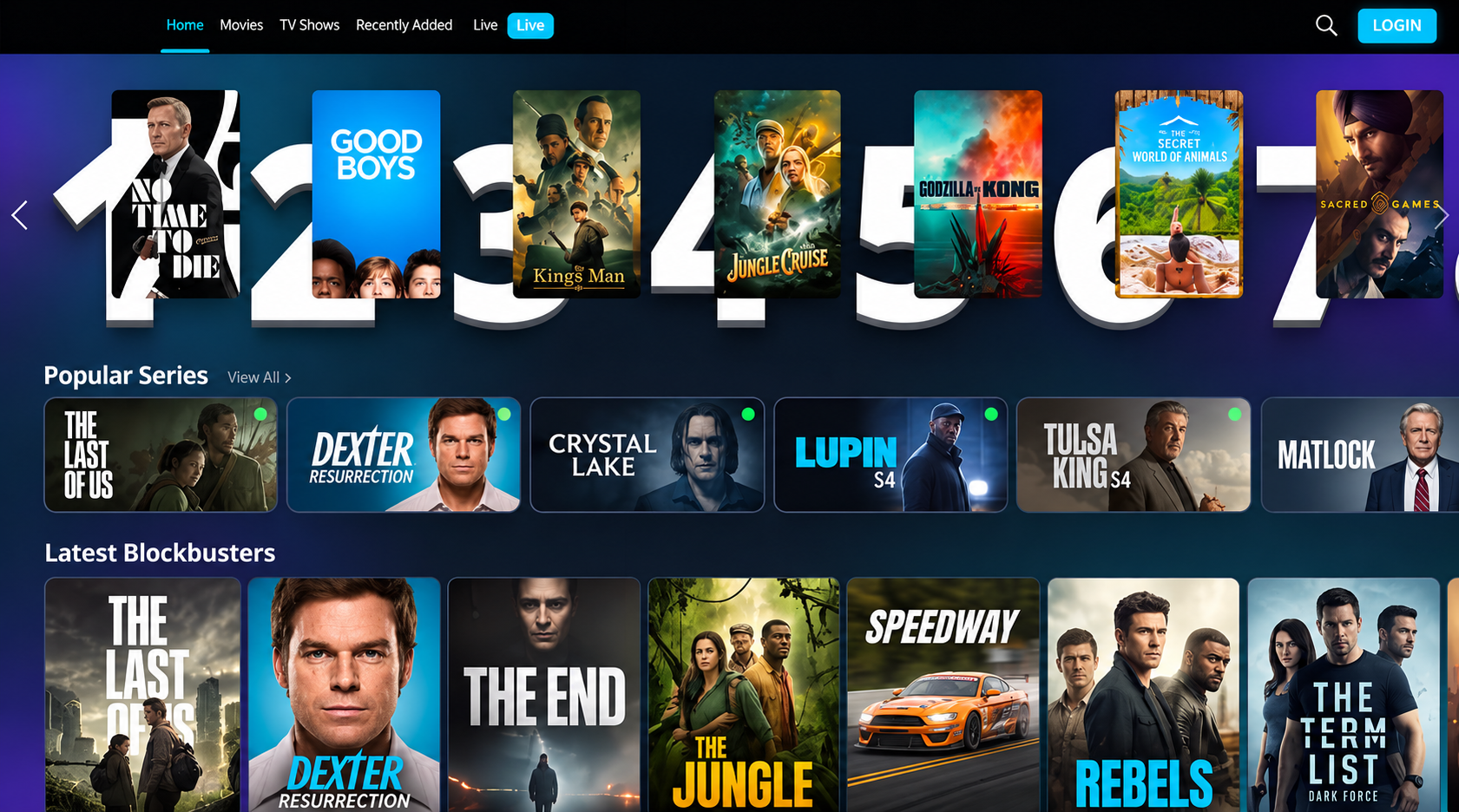
Not every evening is for live TV. The Brix IPTV on-demand section holds 400,000+ films and series, sorted into genres with posters and descriptions, and searchable by title.
Series are grouped by season, new releases are added daily, and your player keeps your place across devices. For many households that replaces two or three separate streaming subscriptions.
4 simple steps
No installer to buy, no technician visit and no long contract. Getting started with IPTV takes four simple steps, and most people are watching within minutes of ordering.
Choose 1 to 4 screens and a length that suits you — the longer the plan, the lower the monthly price, from $4.60.
Confirm the order in a WhatsApp chat with a real person and pay with major credit cards and PayPal.
You get your account details and a device-specific setup guide by WhatsApp or email, without waiting.
Sign in on your TV, stick, phone or laptop and start watching live TV, movies and series.
Devices
Pick your device and follow the steps: Fire TV Stick, Samsung or LG TV, Android TV, iPhone and iPad, Apple TV, Windows, Mac or MAG. Any player with Xtream Codes or M3U support works, and most setups are done in ten minutes.
Features
Everything that made cable convenient — a full lineup, a TV guide, a remote-friendly interface — without the box, the contract or the bill that keeps creeping up.
HD and Full HD across the lineup, with 4K Ultra HD on channels and titles produced in 4K — on any 4K TV and streaming device.
Load is spread across servers during the evening rush, so big matches and season finales keep playing when demand is highest.
See now, next and the rest of the week for every channel, with programme descriptions — the cable-box experience in an app.
Supported channels keep recent broadcasts, so you can start a programme from the beginning straight from the guide.
One login for the whole house: choose 1, 2, 3 or 4 simultaneous streams and stop arguing over the remote.
WhatsApp and Telegram support 24/7, usually replying in under 5 minutes — including step-by-step setup.
Watching on several screens? Multi-screen plans for 2, 3 or 4 devices are available.
On every screen
Install your IPTV app on as many devices as you like and switch between them whenever you want. When more than one person wants to watch at the same time, a multi-screen IPTV plan for 2, 3 or 4 devices gives everyone their own stream, so nobody has to fight over the remote.
Picture quality adapts to each device's connection, from a phone on mobile data to a 4K TV on fibre. Your login works the same way everywhere, which makes setting up a new device a five-minute job.
TV guide & catch-up
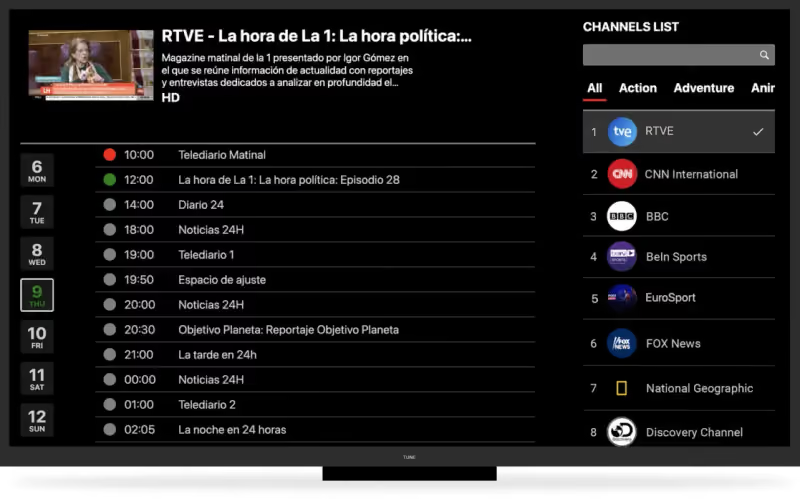
The built-in electronic programme guide lays out every channel by time, just like a cable box. Tap a programme for its description, or scroll ahead to plan the week.
Channels are sorted by country and category, favourites are one click away, and supported channels offer catch-up for shows that already aired.
Live sports
Whatever you follow — football, hockey, basketball, racing or combat sports — the Brix IPTV lineup includes sports channels across North America and the UK, with the guide showing every upcoming broadcast.
Sport is the hardest test for any stream, so Brix IPTV spreads load across its servers at peak times. Pair it with a wired or 5 GHz connection (buffering tips) for the smoothest picture.
Guarantee
No card is needed for the free trial, and every paid plan comes with a 7-day refund window — the details are on the refund policy page.
Support is 24/7 on WhatsApp and Telegram, staffed by people who can check your setup with you step by step.
The difference
Plenty of services promise everything. Here is what you can actually count on with us, compared with what buyers commonly report elsewhere.
| Feature | Brix IPTV | Typical IPTV provider |
|---|---|---|
| IPTV free trial before you pay | Rarely | |
| IPTV setup guide for every device | Generic or none | |
| Electronic TV guide (EPG) | Often missing | |
| Catch-up on supported channels | Sometimes | |
| Published refund policy | ||
| Support on WhatsApp and Telegram | Email only, slow | |
| Clear prices, no surprise add-ons |
Support you can reach
We would rather earn reviews than write them. Until our first verified reviews are published, here is exactly what you can expect when you contact us.
Typical response time
under 5 minutes
Support hours
24/7
Live chat
Telegram
Quick answers
Short, direct answers about the Brix IPTV service. For billing, setup and account questions, see thefull FAQ or contact support.
Last updated:
Brix IPTV carries 45,000+ live channels — local and international news, sport, family and entertainment — with a programme guide and catch-up. Details on the Brix IPTV channels page.
Yes — 4K Ultra HD on channels and titles broadcast in 4K, HD or Full HD on the rest. You need a 4K screen, a 4K device (Fire TV Stick 4K, Apple TV 4K, Google TV) and steady broadband.
Brix IPTV is engineered for stable playback; when buffering happens it is usually the home Wi-Fi. The Netflix Help Center lists 4K at 15 Mbps or higher
, and the FCC Broadband Speed Guide explains more — check yours during the free trial.
Yes — sports channels from the USA, UK and Canada, in HD and in 4K where available, with the TV guide listing every upcoming broadcast.
400,000+ movies and series on demand, sorted by genre and what is new, with fresh titles every day. Most apps remember where you stopped, on TV or phone.
Yes. Install TiviMate or IPTV Smarters Pro on your Fire TV Stick and sign in with your Brix IPTV Xtream Codes or M3U login — the Brix IPTV Firestick guide takes about 10 minutes.
Samsung, LG, Android TV, Google TV, Apple TV and MAG boxes all work. Each has a step-by-step page in the Brix IPTV setup guides.
You choose a plan, receive a login and open it in an IPTV player app. Brix IPTV then streams 45,000+ live channels and 400,000+ on-demand titles over your broadband — from $4.60/month. Compare Brix IPTV plans.
From $4.60/month on longer plans. All plans include the same channels, 4K and 24/7 help, covered by a 7-day refund policy.
Yes, with local channels for each — see IPTV USA, UK IPTV and IPTV Canada.
Your login arrives instantly after payment. If you need help setting it up, support replies 24/7, usually in under 5 minutes.
Choose your IPTV plan, get your login instantly, and watch on every screen in your home — set up in minutes.
Covered by our refund policy — 7-day window.